Looking at a photograph does not have to mean analysing it until the pleasure disappears. A few simple questions can help you stay with the image and notice more of what is already there. This guide is for viewing photographs; it does not require a camera, specialist software or technical knowledge.
Give the first impression a little time
Begin with the whole frame. Notice where your eye goes first, then look away briefly. What remains in your memory: an object, a colour, an area of light or a feeling of space? That first impression is useful because it tells you what the image makes prominent before you start examining its smaller parts.
Return to the photograph without trying to confirm your first reaction. Find something you did not remember. It may be a quiet corner, a darker surface or a line near the edge. The second thing you notice can be a better entry into the picture than the obvious subject.
Move between three distances
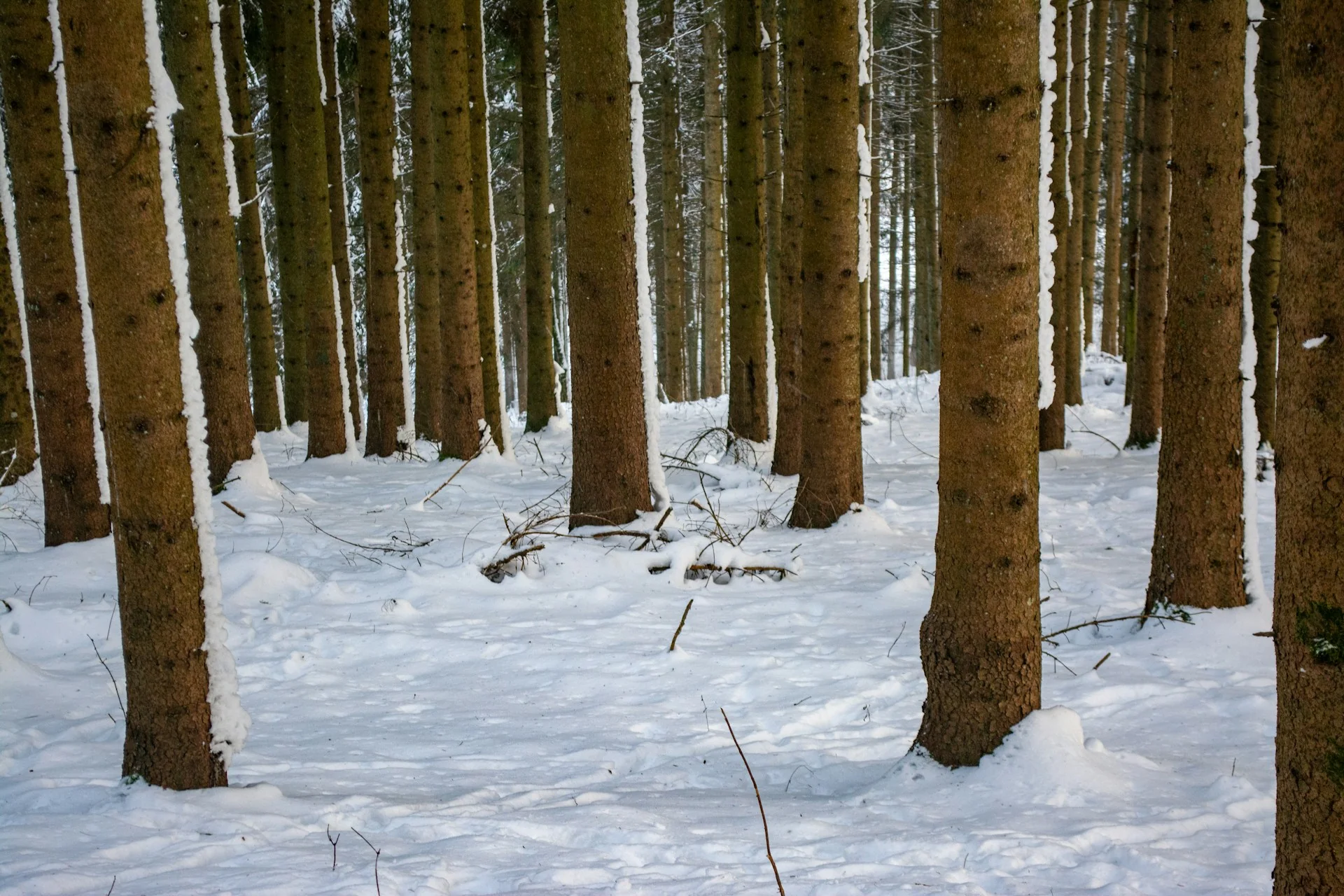
At the widest distance, look for the arrangement of large areas. How much of the frame is sky, foliage, water or ground? At a middle distance, look at the relationship between objects: one trunk behind another, a branch across open space, a reflection below a bank. Finally, choose one small detail and follow its shape.
The distances are ways of organising attention, not instructions to zoom until the file breaks into pixels. A photograph can be examined closely while remaining the same size on your screen. Move back to the whole image after the detail. Notice whether it changes the larger arrangement you first saw.
Describe an edge and a gap
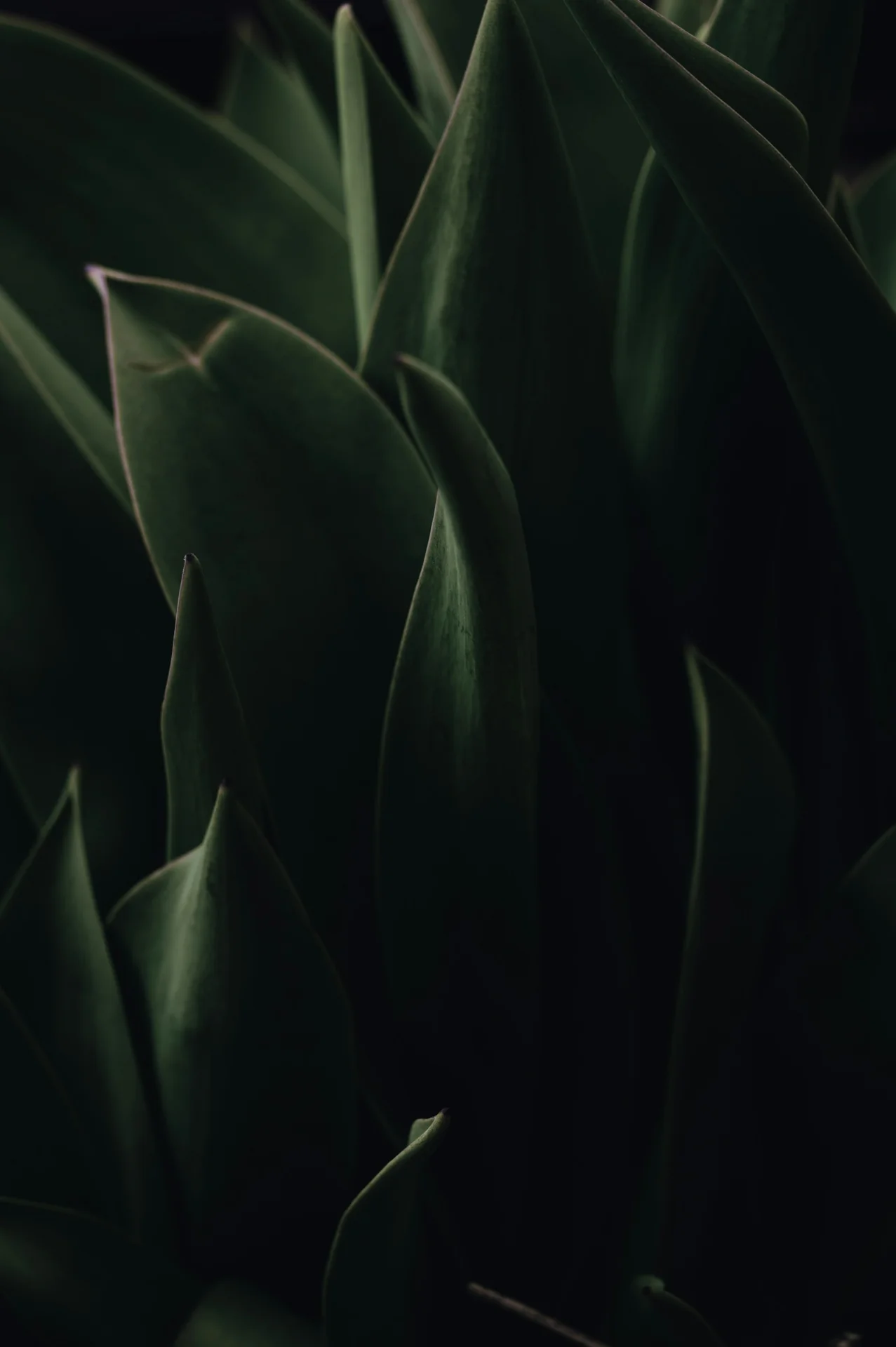
Find one clear edge. It might be the outline of a leaf or the boundary between land and water. Follow it until it changes direction, becomes soft or disappears. Then find a space beside it. Describe that gap as a shape in its own right.
This is especially useful with branches, grasses and groups of trees. The object and the interval around it work together. An uneven opening can keep a repeated pattern from feeling mechanical. A quiet space can give a complicated outline enough room to remain readable.
Keep the description close to the frame
Separate what is visible from what you imagine. “A pale sky above dark trees” describes the photograph. “A perfectly peaceful place” adds an interpretation and a claim about the setting. Both may be part of your response, but they are different kinds of statement.
You can be precise without knowing a location, a plant species or the conditions when the photograph was made. Avoid guessing those details from appearance alone. Where a seasonal grouping is used in this journal, treat it as editorial context unless a documentary detail is explicitly established.
Compare two images with one question
Open a photograph from another season and carry one question across. Where is the darkest readable area? Which edge gives the frame its direction? How much space is given to the background? A single shared question makes a comparison more useful than a broad judgement about which image is better.
Try a particularly different pair: the close leaf and the open sea, or the autumn reflection and the snowy forest. Their subjects may have little in common, yet the same visual relationship can appear in both. Comparison makes the vocabulary of looking feel practical rather than abstract.
Use the gallery at your own pace
The gallery’s season filters reduce the visible selection, while search finds words in titles, subjects and seasons. Open a photograph to see it without a crop. Use the left and right controls, or the arrow keys, to move within the current selection. The close button or Escape returns you to browsing.
Bookmarks keep a private selection on the browser you are using. They do not create an account or transfer to another device. “Copy link” gives you a link to the photograph inside the journal. If your browser does not allow automatic copying, a selectable link appears instead. You can clear the saved selection through the privacy page.